Introduction
What is a Scanning Electron Microscope?
A scanning electron microscope, or SEM, uses a focused beam of electrons to investigate a sample under analysis, and create a high magnification image of its surface. This image is created in a different way to a bench top optical microscope that you might already be familiar with. The "scanning" part of SEM refers to the electron beam being scanned left-to-right, top-to-bottom, across the sample. At each position where the beam is located, the SEM reads the signal coming back from the sample, before moving to the next position. Pixel by pixel and line by line, the SEM puts these signals together to create an image, enabling us to see the surface.
SEM allows us to view the world at much smaller scales (higher magnification) than we can with our eyes or even with a light microscope. With an SEM we can magnify surfaces as much as 10,000× or more, to see fine details such as the size of pores in a drug-delivery nanoparticles, the thickness of coatings on food packaging, or the ultra-fine hairs in the inner ear that allow you to hear sounds.
An SEM can range in size, from benchtop instruments not much bigger than a desktop PC, mid-sized instruments that balance performance with ease of use and functionality, to full-sized instrument that benefit from dedicated rooms and experienced operators.
No matter the size of the instrument they all fundamentally operate in the same way. All SEM instruments require vacuum conditions, they will all have an electron source that generates the beam, and an electron column that focuses and rasters the beam, and they all have a way of mounting your sample and moving it around remotely inside the vacuum chamber (the sample stage). The key difference is in their ease of use, their performance (such as imaging resolution) their capability (i.e. what signals can be detected), and of course, the cost!
This is your SEM
The MCFP operates a Hitachi FlexSEM SU1000 variable pressure scanning electron microscope. The FlexSEM is a powerful and versatile SEM, in a fast and user-friendly package. You can explore its features below.

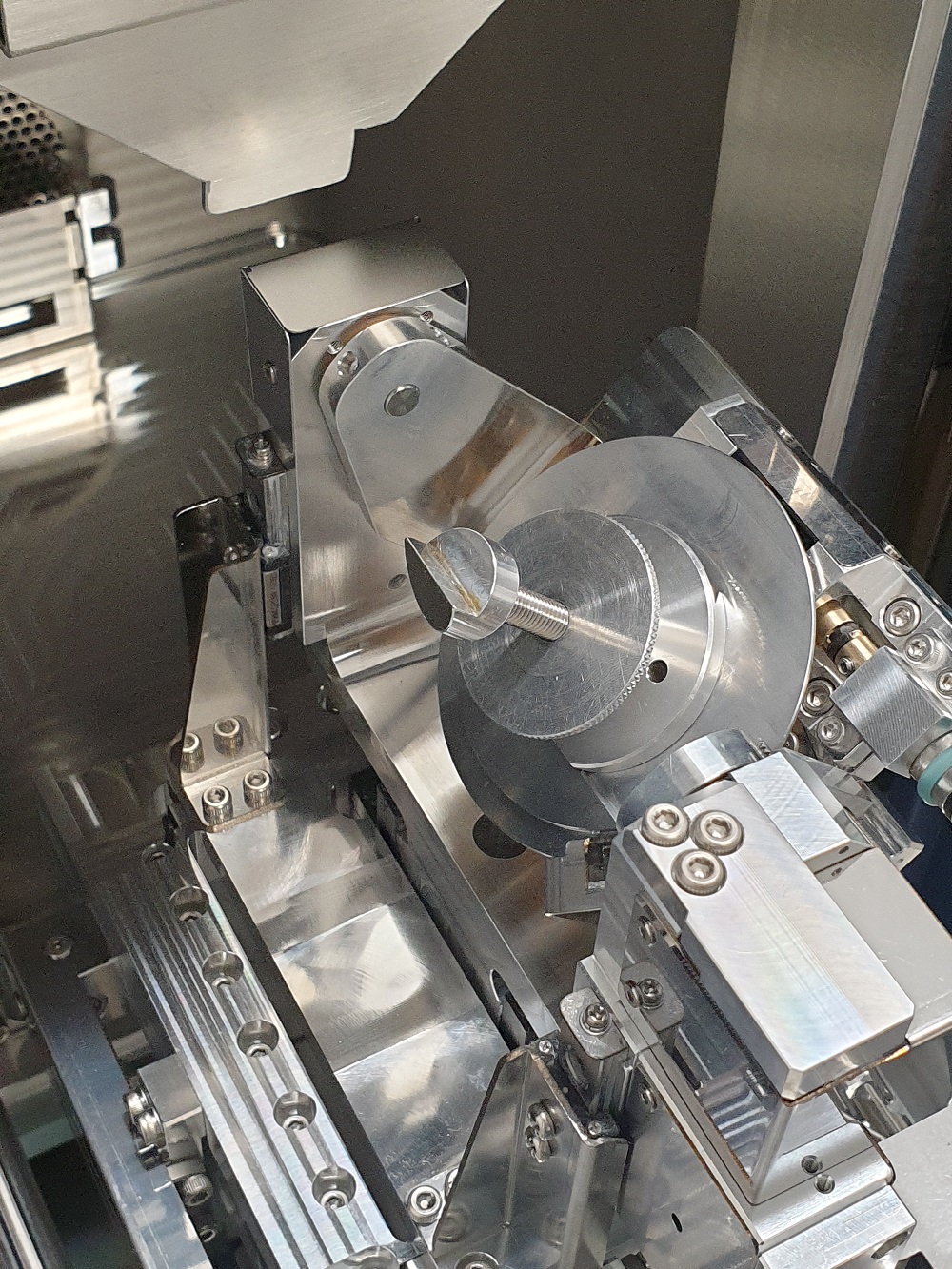
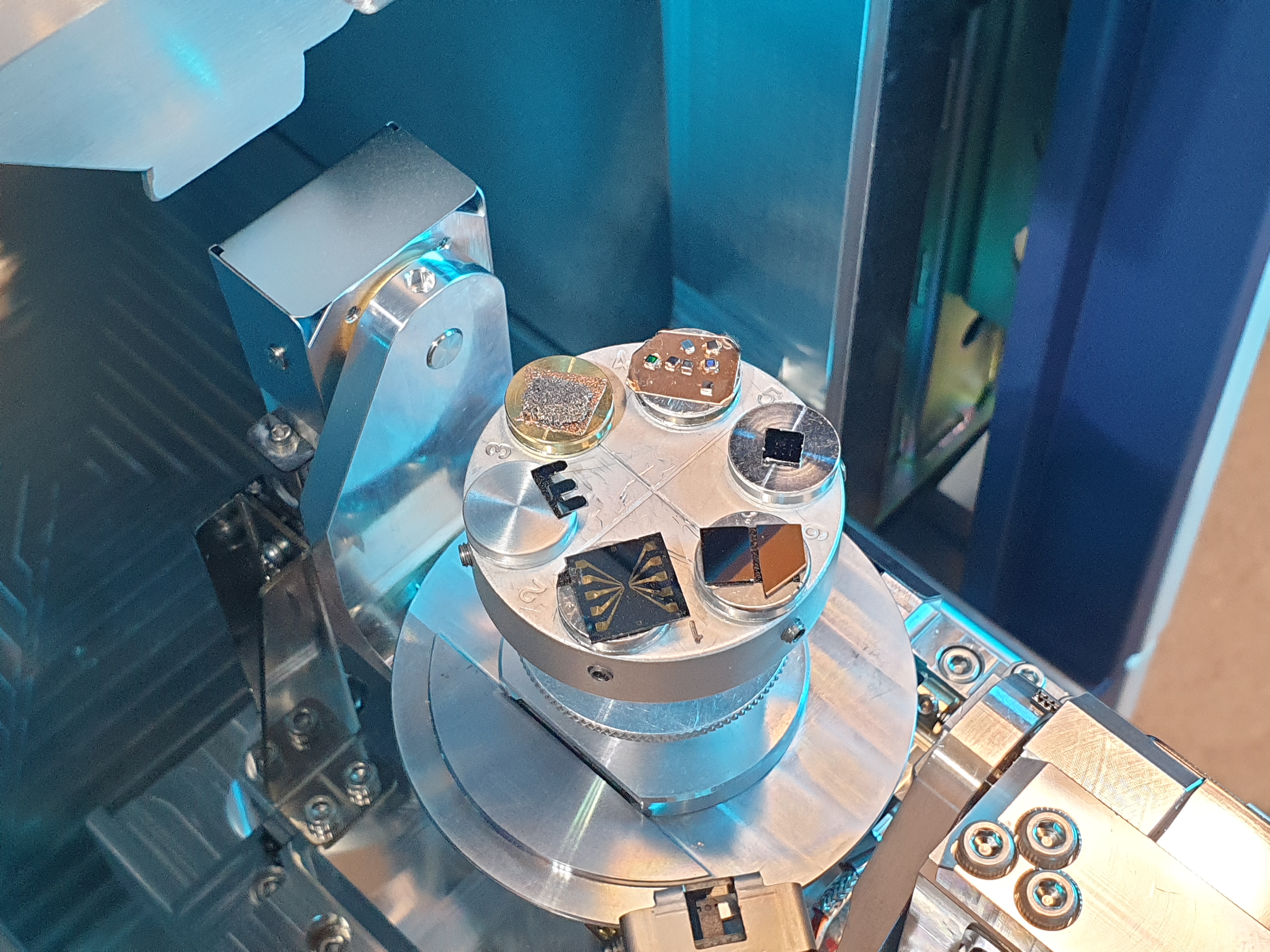
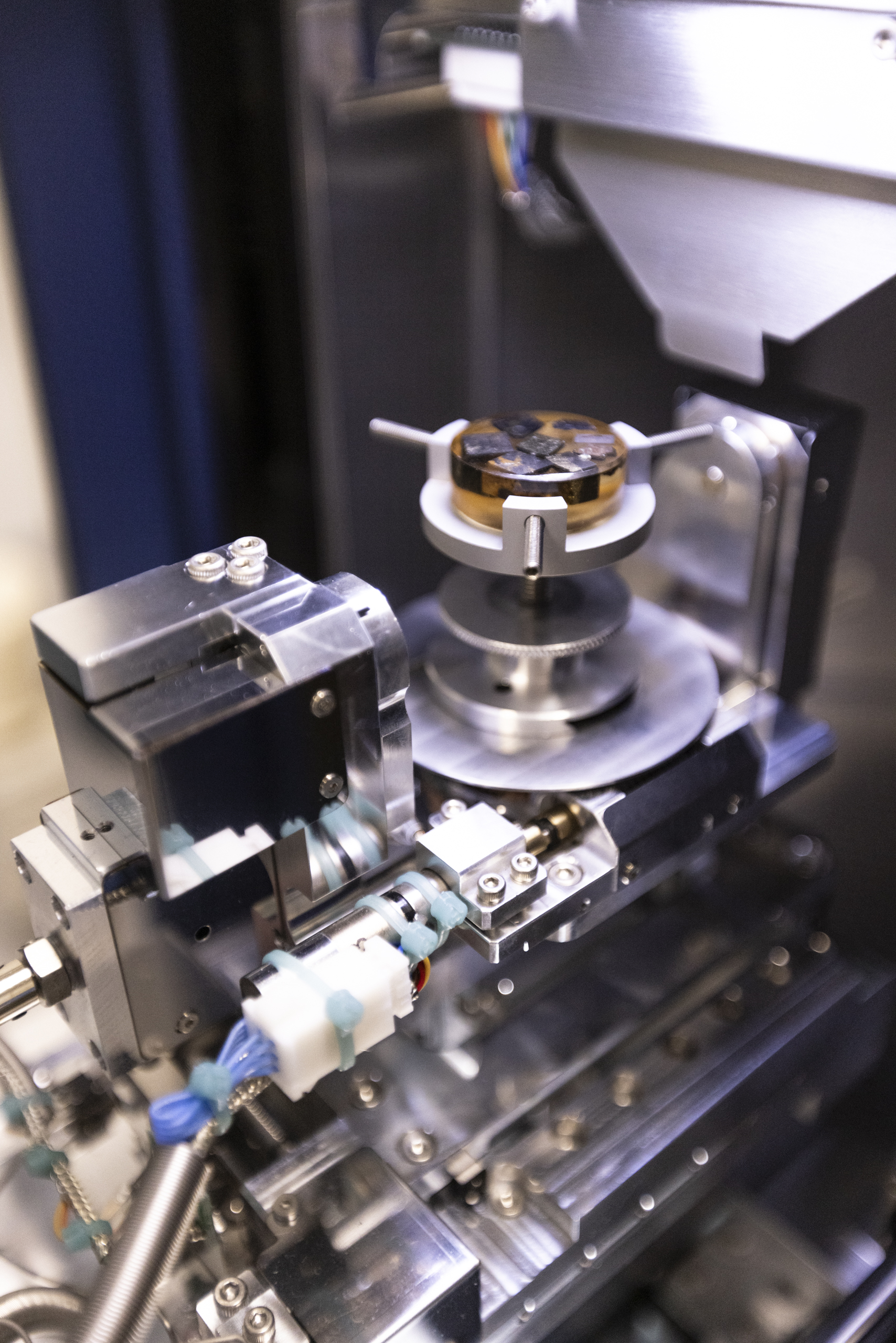
The FlexSEM can operate in two vacuum modes, depending on the needs of your sample and analysis:
- High Vacuum mode - for the best performance
- Variable Pressure mode - for maximum flexibility
The FlexSEM is configured with multiple detectors:
- Secondary Electrons - for resolution
- Back-Scattered Electrons - for material contrast
- Ultra-Variable Detector - for resolution in VP mode
- X-rays - for elemental identification
- Cathodoluminescence - for crystal structures
The FlexSEM can mount almost any sample you could think of:
- Large flat samples
- Tall skinny samples
- Powders, fibres, loose material
- Multiple pin stubs
- Irregular samples
The FlexSEM stage can move in 5 directions
- X and Y is your lateral motion, to move around on samples
- Z is your height, this changes working distance
- Tilt (T) and Rotation (R) allow you to change your viewing perspective
The FlexSEM is a powerful SEM in a small and easy package:
- Tungsten thermionic source
- 4 nm ultimate resolution
- Up to ×300,000 magnification
Don't worry if you don't know what all of those terms mean just yet, throughout this module you will learn all about the fundamentals of SEM, and we will cover everything related to the FlexSEM and its capability.